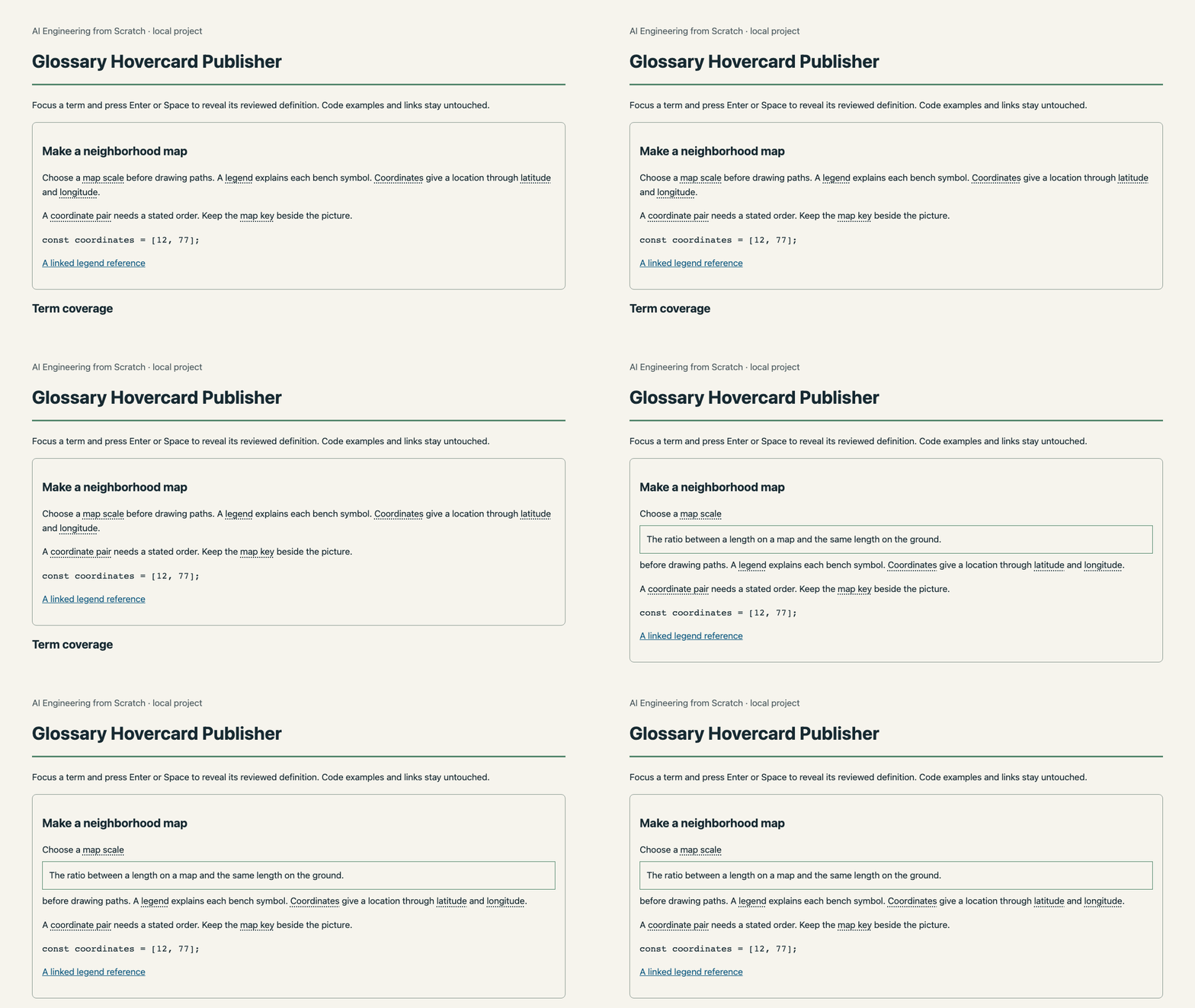
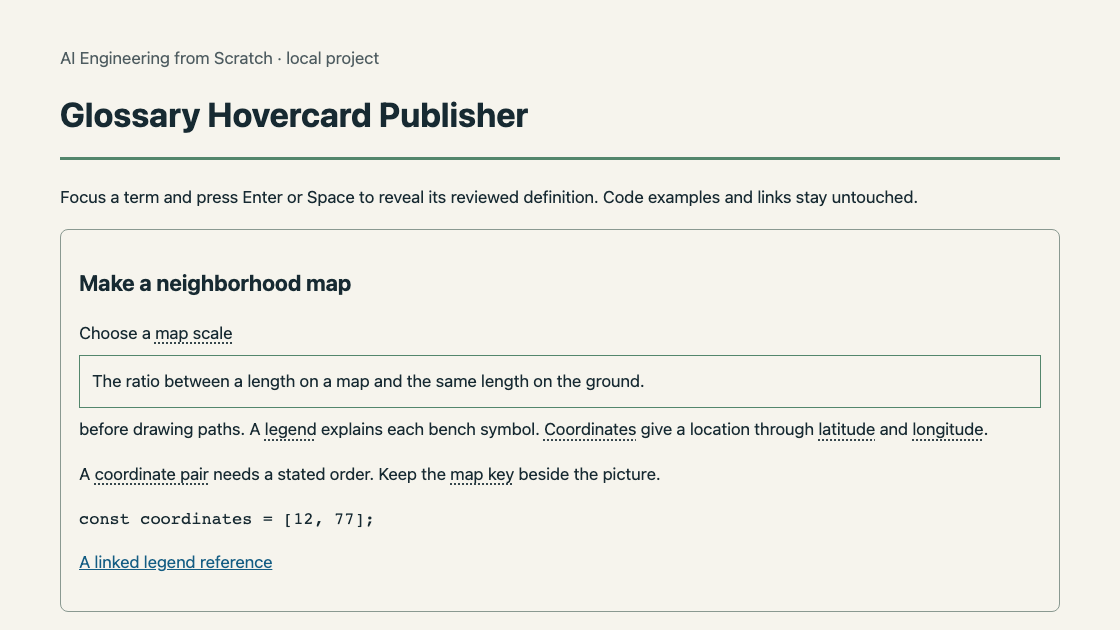
Help an educator add contextual definitions to existing lesson HTML using a reviewed glossary and longest-phrase matching. Preserve code and links, support keyboard-accessible definitions, and export a standalone annotated lesson with a reusable glossary file.
You build an annotated HTML lesson, glossary.json and a term-coverage report.
Run the tool on your own input
Requires Node 22.18 or newer. No package install, API key, network account or provider is needed.
cd projects/glossary-hovercard-publisher/solution
node cli.ts sample.json output
sample.json is original project data. Copy it, edit the values, and pass the new filename to the same command. node cli.ts --help documents the arguments. The report is output/report.html. JSON files preserve the evidence used by the interface.
Build it yourself
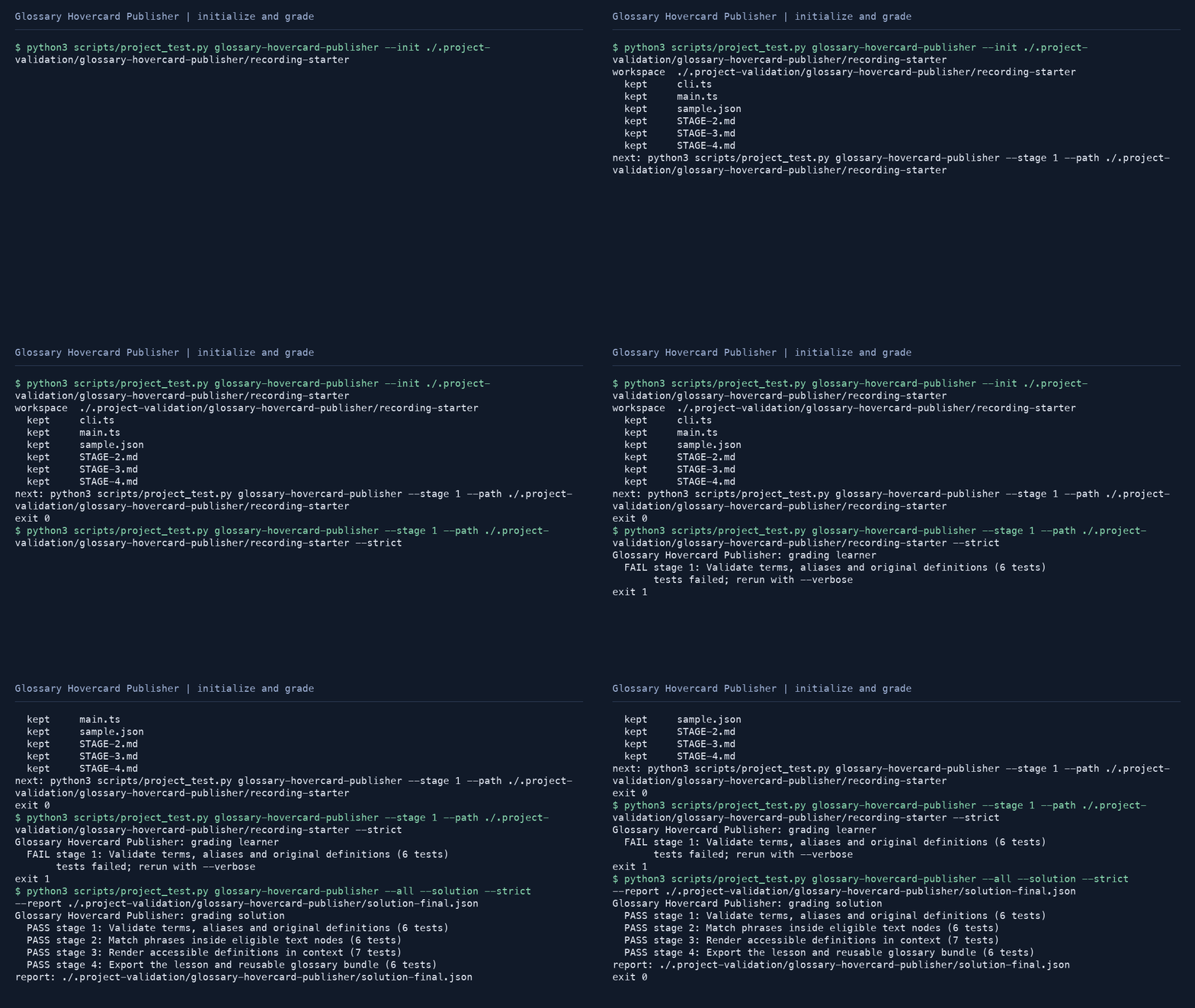
python3 scripts/project_test.py glossary-hovercard-publisher --init my-glossary-hovercard-publisher
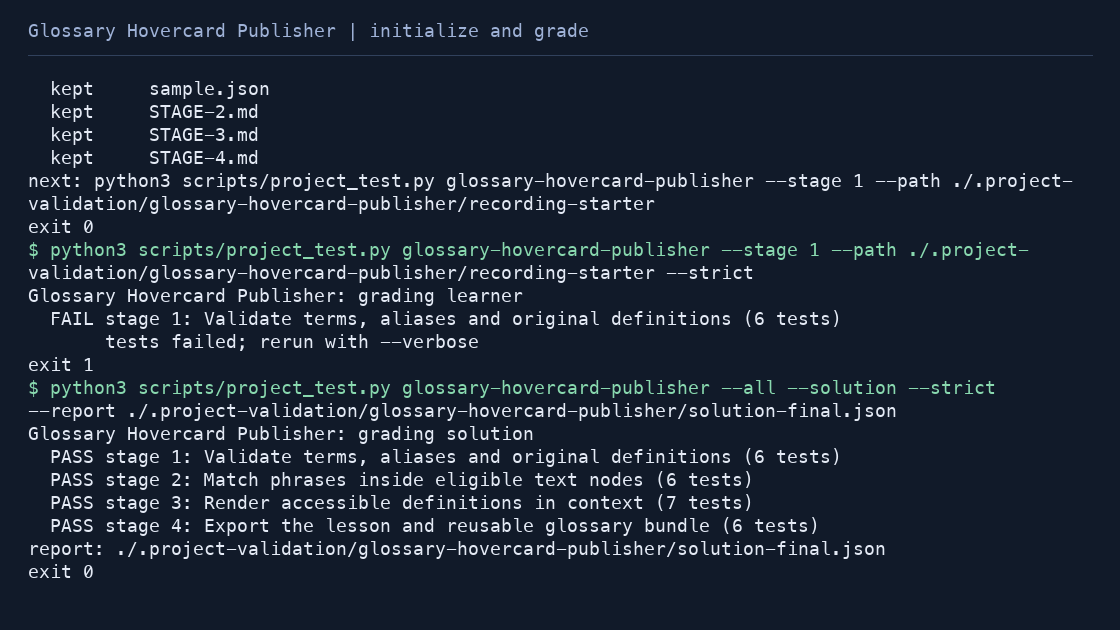
python3 scripts/project_test.py glossary-hovercard-publisher --stage 1 --path my-glossary-hovercard-publisher --strict
python3 scripts/project_test.py glossary-hovercard-publisher --all --path my-glossary-hovercard-publisher --strict --report completion.json
The first run fails until you implement the first stage. The initial starter supplies every public type, function signature, CLI wrapper and input fixture. Later stages add behavior in the same file.
- Validate terms, aliases and original definitions
- Match phrases inside eligible text nodes
- Render accessible definitions in context
- Export the lesson and reusable glossary bundle
Contracts and integration
validateGlossary(value: unknown): Term[]matchTerms(text: string, terms: Term[]): Match[]annotateLesson(html: string, terms: Term[]): {html: string; coverage: Coverage[]}publishGlossary(lesson: string, terms: Term[]): {html: string; glossary: Term[]; coverage: Coverage[]}
Read the stage documentation for exact input and return shapes, worked intermediate values, failure behavior and held-out cases. Import these functions from main.ts to reuse the tool from another TypeScript program. The HTML runs locally and its review downloads can be passed back to the CLI when documented; it never submits data to a third-party service.
Verification and scope
python3 scripts/project_test.py glossary-hovercard-publisher --all --solution --strictInput HTML is a balanced fragment in a deliberately small subset, not arbitrary web-page HTML. Phrases never cross elements or entity boundaries. Native buttons supply keyboard interaction; glossary quality remains an editorial decision.
The core implementation, fixtures and lesson prose are original. Local reference checks do not grant a learner certificate. Learner completion is self-reported evidence from the full grader, not external certification.