An inspectable repository-observation process usable by different coding agents.
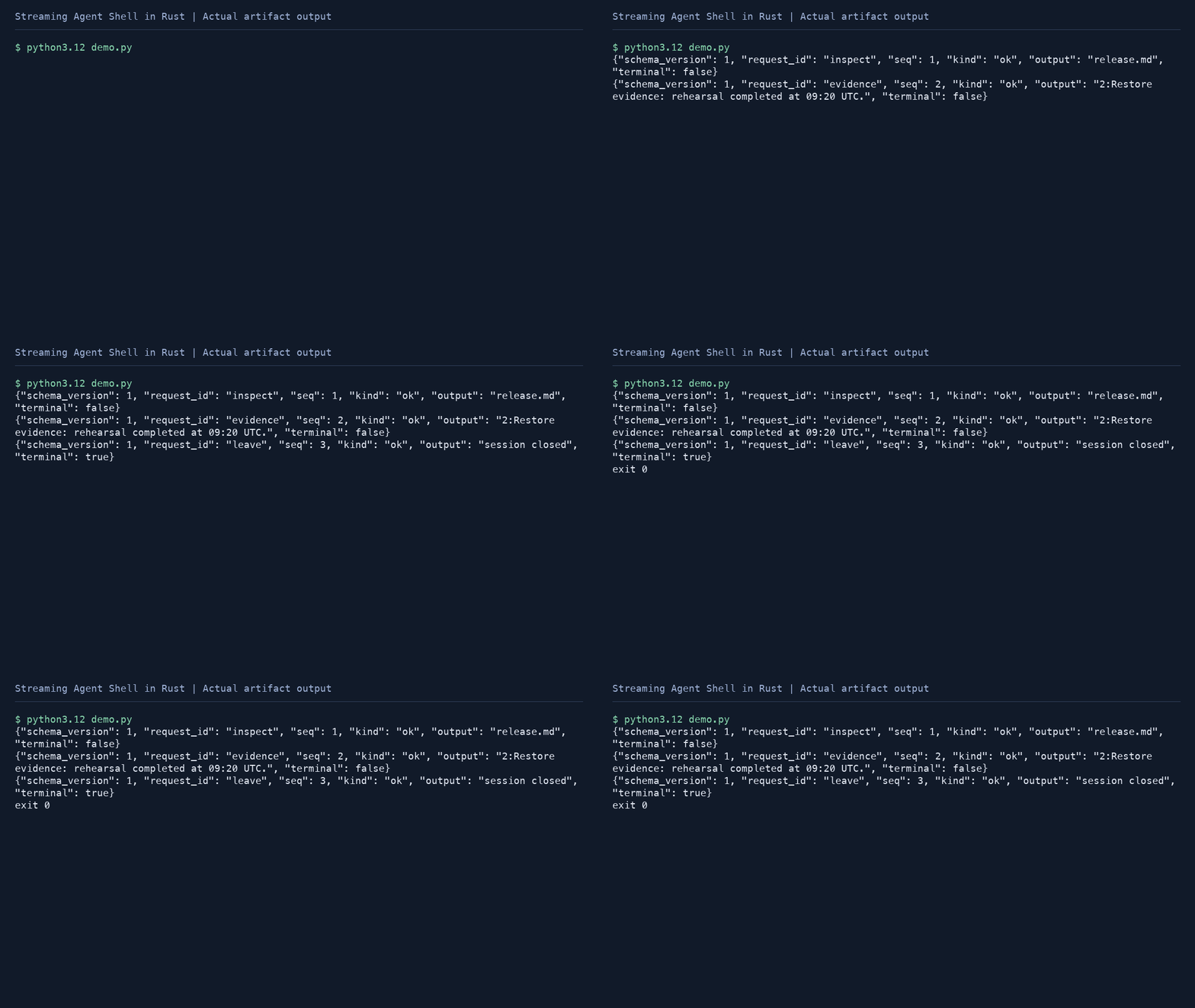
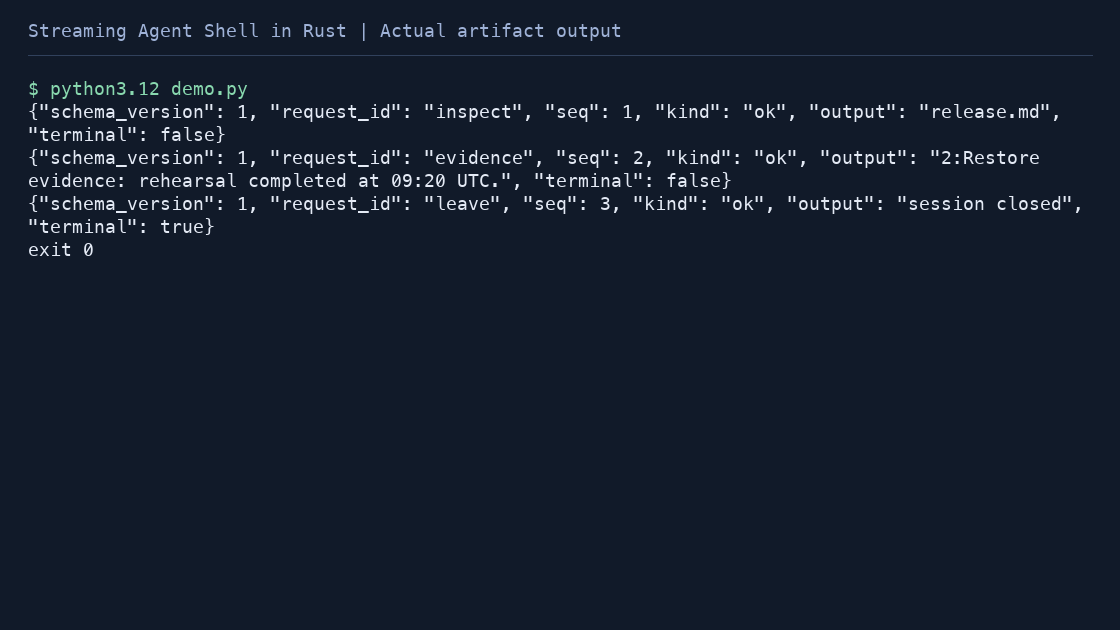
The Rust process accepts a deliberately small tool language. Its Python adapter accepts JSONL with caller ids and tool arguments, then translates only known commands. No argument becomes an operating-system shell command.
Start with a learner workspace
Data management, Tool schema design. Language foundation: Rust ownership and Result.
Install Rust (rustc) and Python 3.10+. The core uses the Rust standard library; Python adapters compile into private temporary directories.
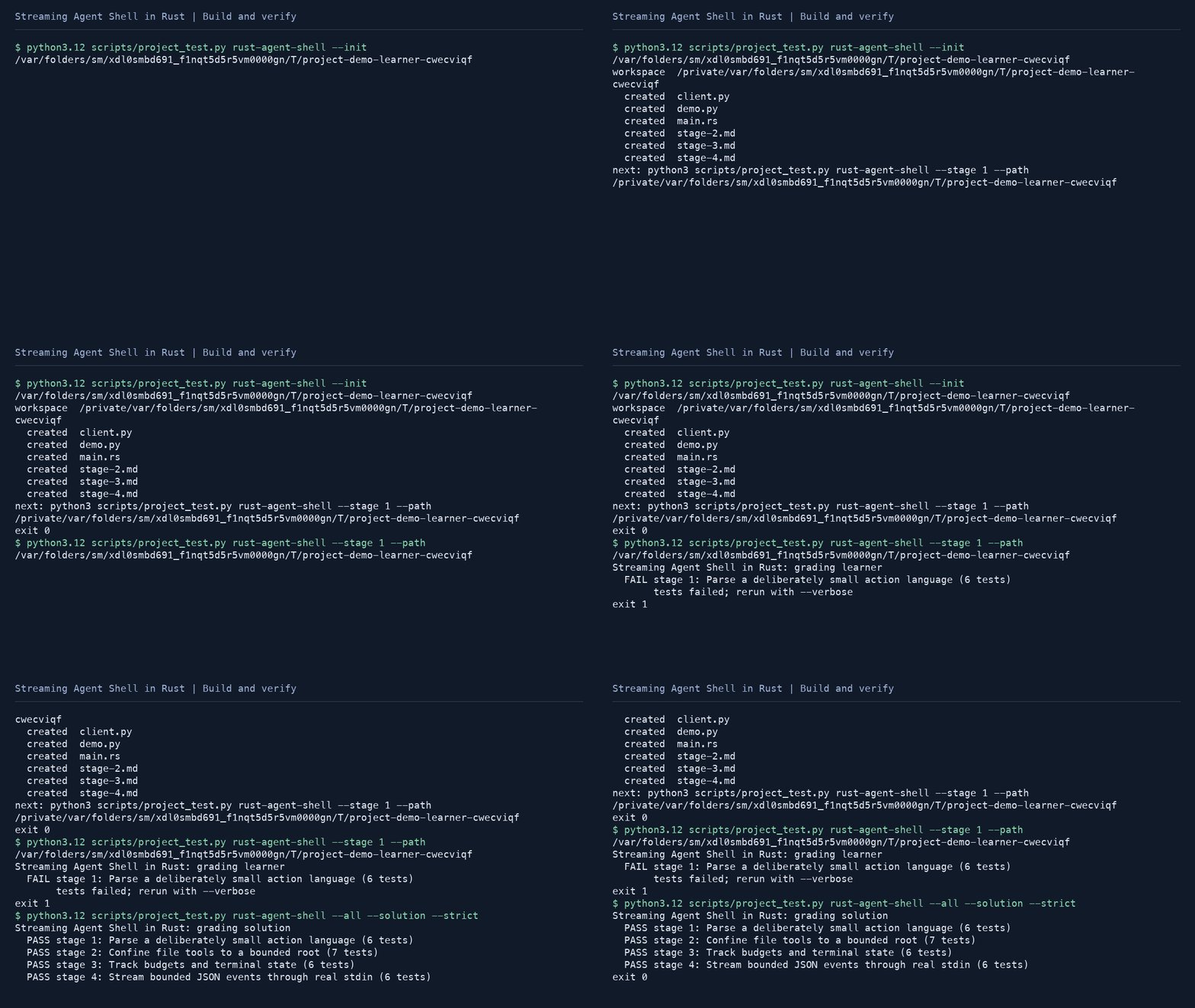
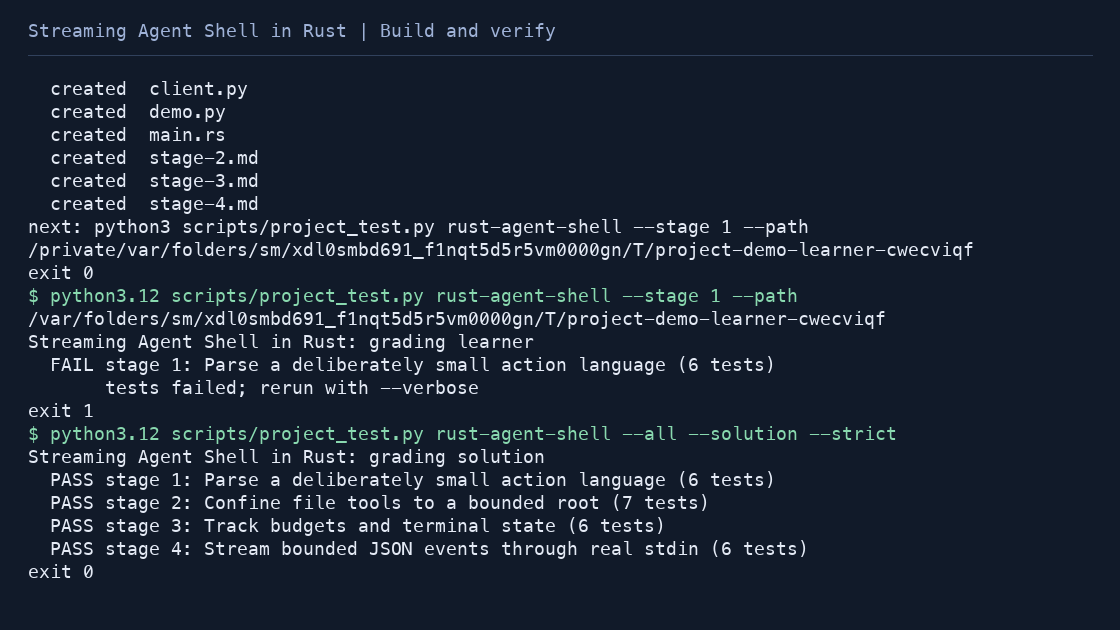
python3 scripts/project_test.py rust-agent-shell --init learning-artifacts/rust-agent-shell
python3 scripts/project_test.py rust-agent-shell --stage 1 --path learning-artifacts/rust-agent-shell
Build route
- Parse a deliberately small action language
- Confine file tools to a bounded root
- Track budgets and terminal state
- Stream bounded JSON events through real stdin
Run with your own inputs
After completing the stages, these commands run your workspace code on the original Orchard examples. Replace the sample paths with your own files.
python3 learning-artifacts/rust-agent-shell/client.py projects/rust-agent-shell/examples/workspace projects/rust-agent-shell/examples/requests.jsonl --limit 8 --out observations.jsonlTo inspect the complete reference first, replace learning-artifacts/rust-agent-shell with projects/rust-agent-shell/solution in the same command. JSON results use schema_version: 1; paths and argument examples are explicit so another tool can consume them.
Integration boundary
JSONL requests use caller ids and explicit tool argument objects. The adapter translates them to the bounded Rust stdin grammar. --limit controls actions; native file reads remain capped at 16 KiB. Application path checks do not provide OS isolation or close adversarial replacement races.
python3 scripts/project_test.py rust-agent-shell --all --solution --strict
python3 scripts/project_test.py rust-agent-shell --all --path learning-artifacts/rust-agent-shell --strict
The first command checks the reference. The second checks your implementation. The published examples and tests are regression evidence, not a production certification or an unseen benchmark.