Build a typed approval workflow, then suspend and resume it through real Mastra steps. A local SQLite store preserves the pending plan across separate runs. Approval names both the ticket and the plan digest before any update tool is called.
Use Node 22.18 or newer and Python 3 for the grader. Begin with TypeScript object types, async functions and runtime validation of JSON. The required scratch runtime has no dependencies.
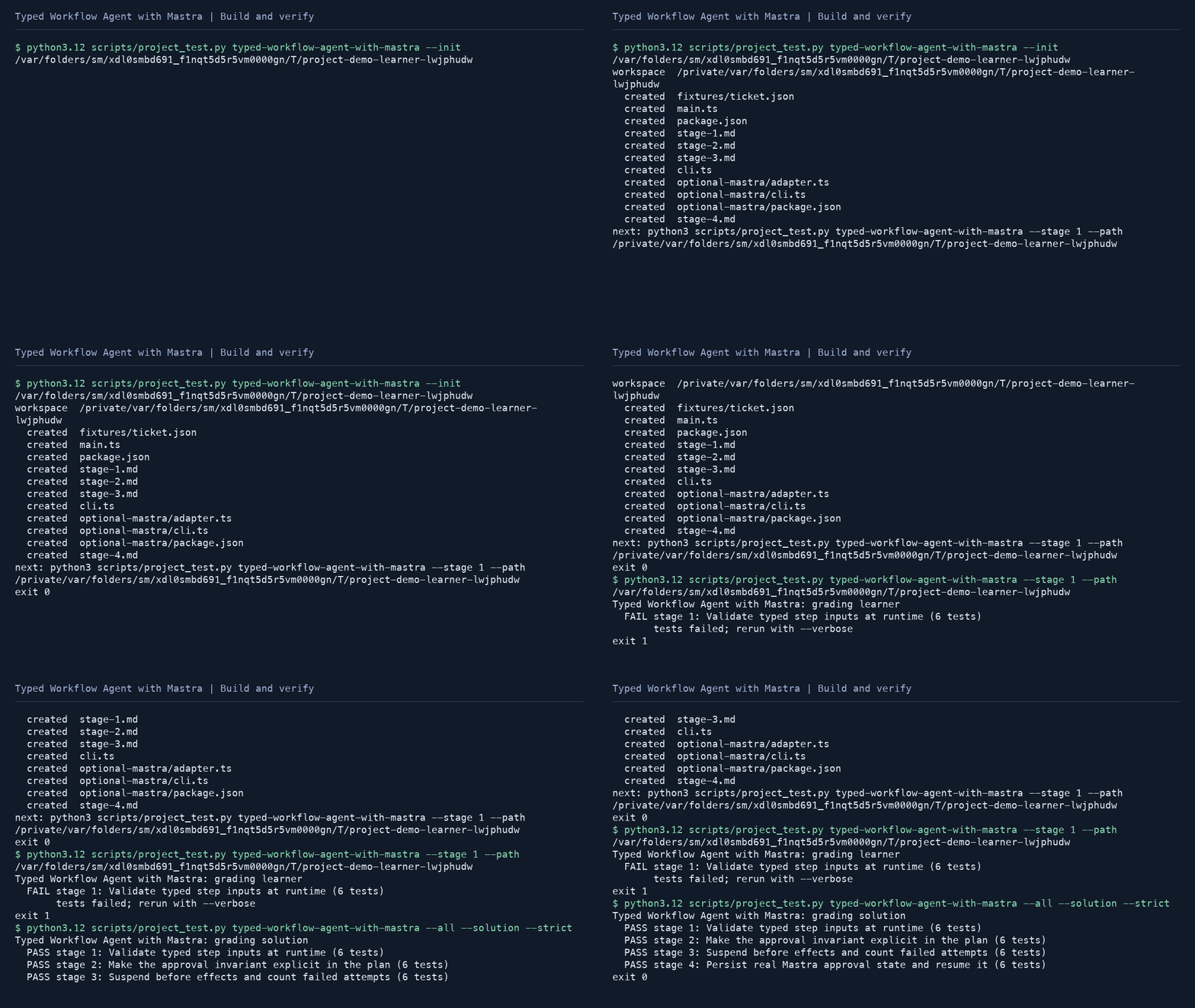
python3 scripts/project_test.py typed-workflow-agent-with-mastra --init my-workflow
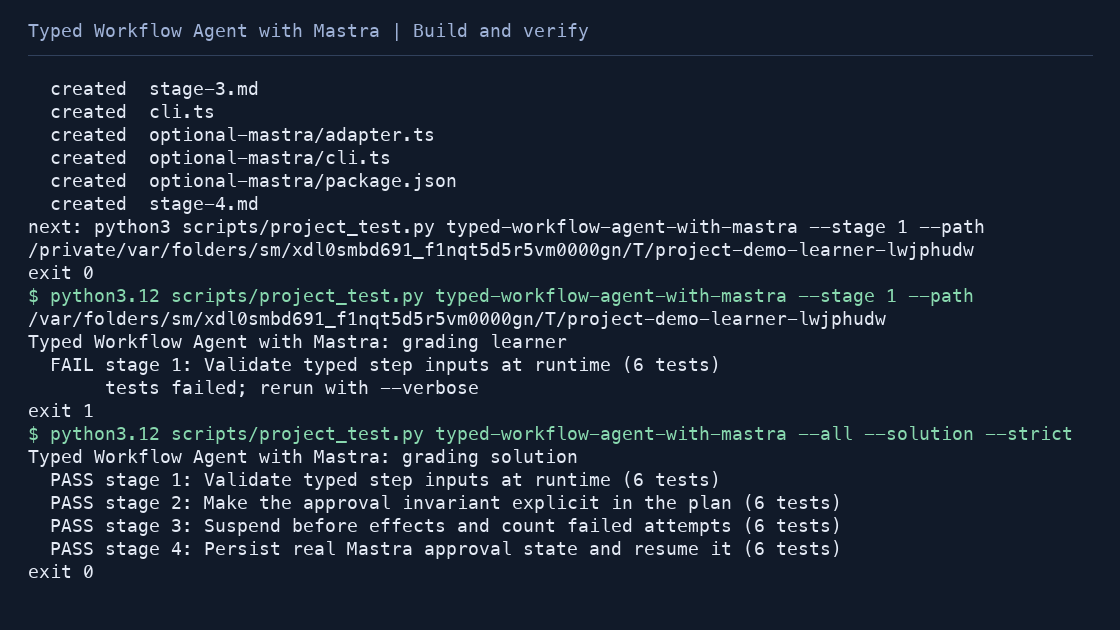
python3 scripts/project_test.py typed-workflow-agent-with-mastra --stage 1 --path my-workflow --strict
python3 scripts/project_test.py typed-workflow-agent-with-mastra --all --solution --strict
cd projects/typed-workflow-agent-with-mastra/solution
node --experimental-strip-types cli.ts --ticket fixtures/ticket.json --out workflow-output
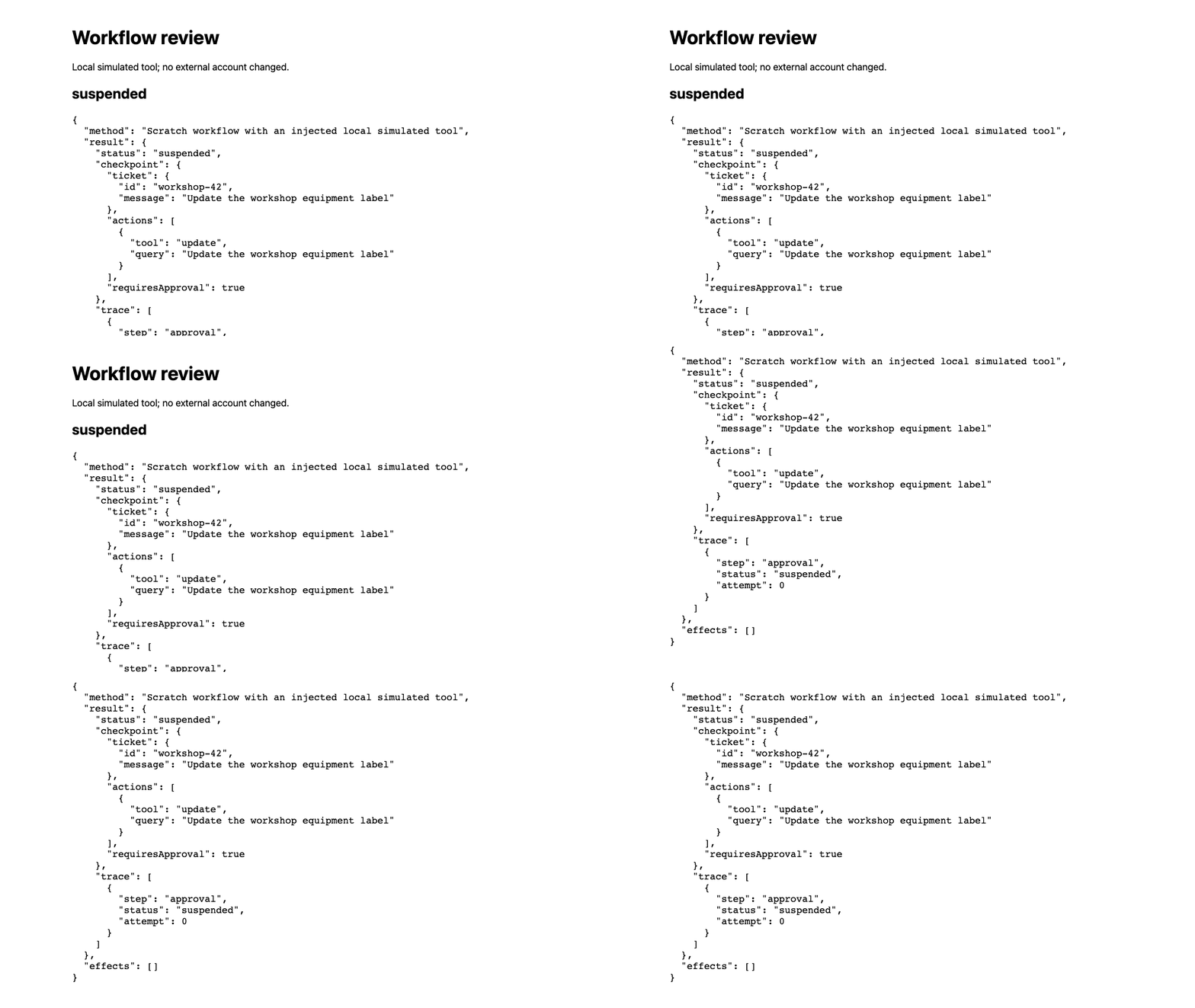
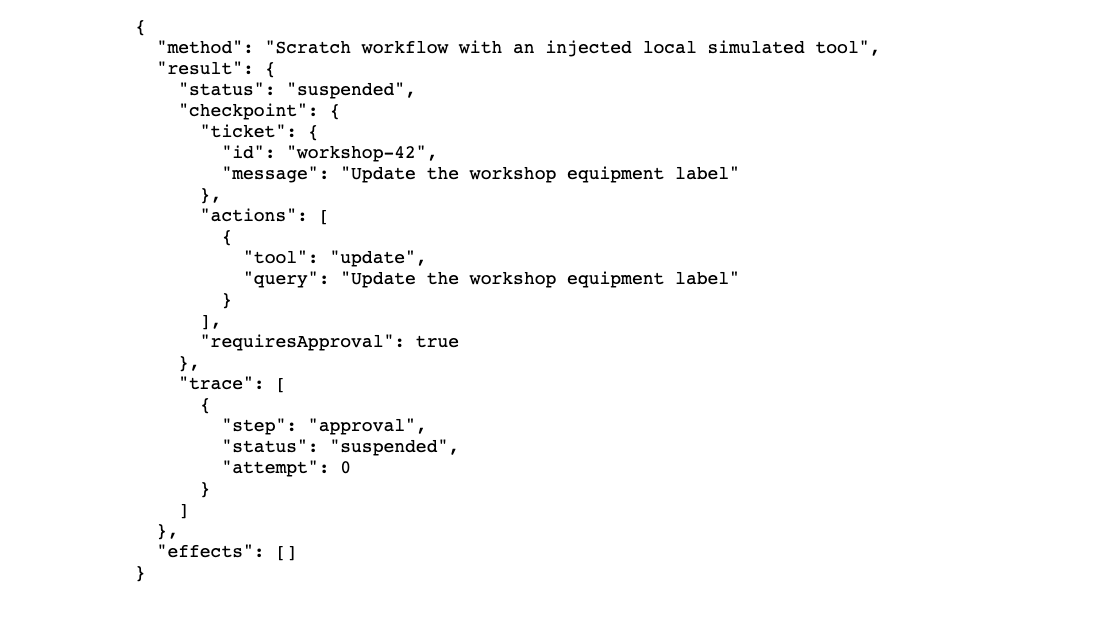
The scratch CLI writes index.html, workflow.json and a checkpoint when approval is required. Its tool is explicitly a local simulation; it does not change any external account. Resume the saved checkpoint only after review:
node --experimental-strip-types cli.ts --checkpoint workflow-output/checkpoint.json --approved --out resumed-outputThe scratch runtime can replay a saved plan but cannot recover an interrupted side effect. Real write adapters need idempotency keys and authenticated approval.
Persistent Mastra workflow
Install the pinned optional dependencies at your chosen workspace root. From the repository root:
npm install --prefix projects/typed-workflow-agent-with-mastra/solution --ignore-scripts --package-lock=false --save-exact @mastra/core@1.71.0 zod@4.3.6 @mastra/libsql@1.23.3
python3 scripts/project_test.py typed-workflow-agent-with-mastra --all --solution --optional --strict
Use your learner workspace with --prefix and --path to test your implementation. A missing package produces SKIP; strict optional grading fails. The actual SDK tests check parity, bounded failures, suspension, false or mismatched approval, successful resumption and recovery through a fresh SQLite-backed workflow instance. No model credentials are needed.
Start a durable local run from the solution directory:
node --experimental-strip-types optional-mastra/cli.ts --ticket fixtures/ticket.json --db ./runs.db --out pending-outputIt reports a runId and writes workflow.json plus approval.json with approved=false. Inspect the original query and plan in the report. To approve that exact plan, edit approved to true while preserving ticketId and planHash, then invoke a new process:
node --experimental-strip-types optional-mastra/cli.ts --resume RUN_ID_FROM_OUTPUT --approval pending-output/approval.json --db ./runs.db --out resumed-outputThe stored execution step resumes through Mastra's own resume API. A wrong ticket or digest fails before the injected tool. A false approval remains suspended. The digest binds context, not reviewer identity; a public endpoint would need authentication and authorization around this operation.
The default createTicketWorkflow factory uses an in-memory store. persistentWorkflow uses the explicit local file: database URL. Both share the same domain validation and call budgets. File-backed persistence does not establish exactly-once effects in an external system.
- Validate typed inputs
- Make approval part of the plan
- Suspend and count attempts
- Persist and resume with Mastra
Official suspend/resume documentation. The workflow policies, code, examples and fixtures are original.